Document storage software: What to compare
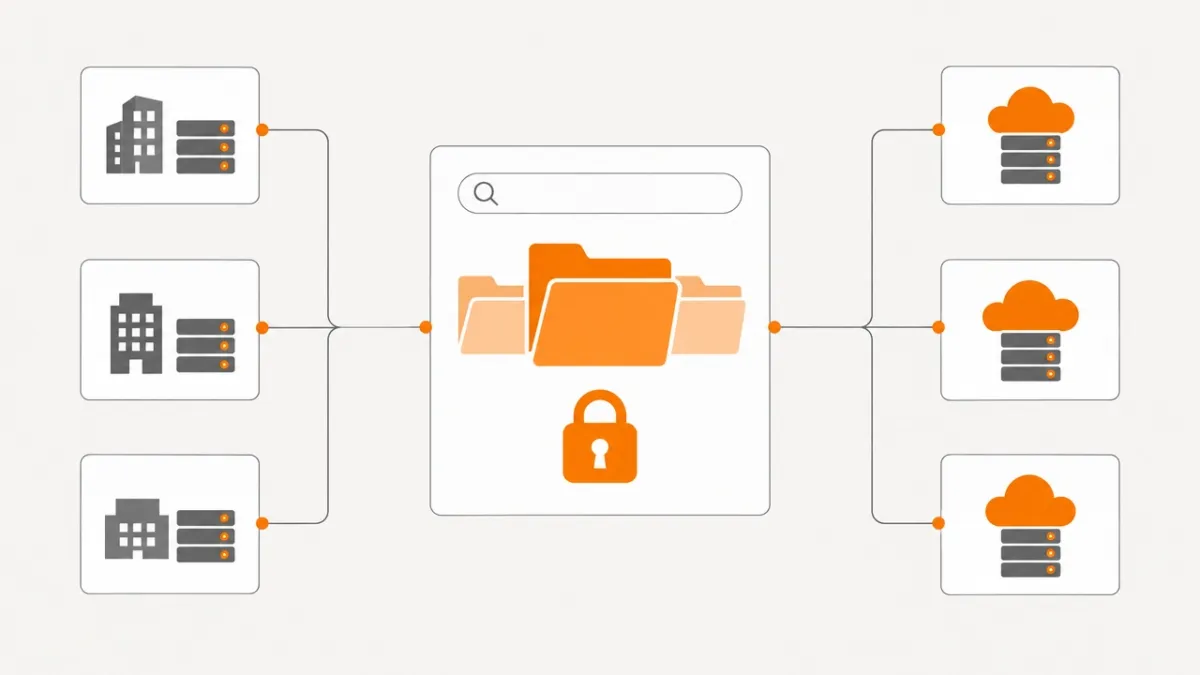
Document storage software gives you a shared repository for filing and retrieving business documents, including scanned paper records. For mid-sized and large organizations sorting through shared-drive copies and email attachments, the buying test is practical: can staff find a document by its details or contents, control who can access it, identify the current version, and trace what happened to it?
Storage options and their trade-offs
Synced file storage prioritizes familiar folder access, managed libraries organize files by their properties, and dedicated repositories bring filing, retrieval, and document controls together. The options overlap, so compare what your team can do with a file once it’s stored.
Synced file storage: Microsoft OneDrive gives users access through a browser or a desktop sync app. Microsoft also supports syncing SharePoint libraries, so a team that works from desktop folders can still use a managed library.
Managed document libraries: Microsoft SharePoint libraries illustrate what a library adds: configurable views, metadata columns, and previous-version recovery. A library normally inherits site permissions, but you can set permissions specific to the library.
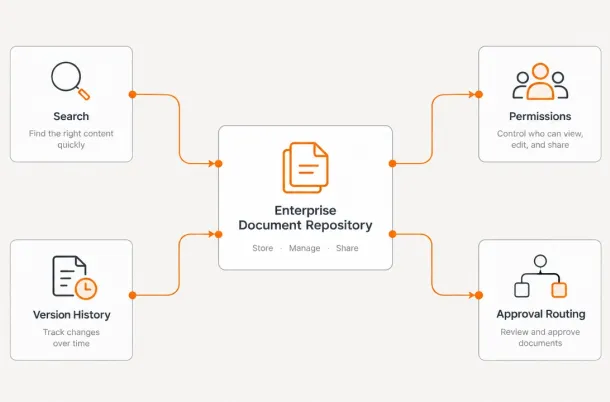
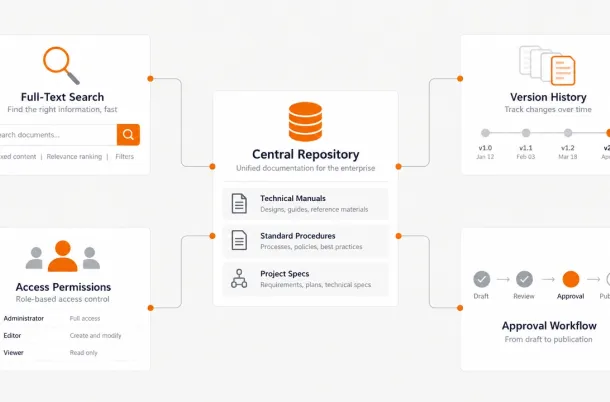
Dedicated document repositories: A centralized repository suits teams that want searchable document properties, access controls, version histories, and activity records in one place. Procurement, for example, can look up a supplier agreement by renewal date and inspect its revision history without asking the person who filed it to find the right copy.
The repository is the storage and retrieval layer of a broader document management system that also supports sharing and workflows. AIIM groups access control, version control, and audit trails alongside storage in document management.
Four tests for your shortlist
The best way to compare document storage software is to run the same supplier agreements through each repository with the same user roles. Include an older revision, a text-based PDF, and an image-only scan so you can see how each system handles the files your staff actually use.
Filing consistency: Ask two people to file separate agreements without coaching each other. Check whether both record the supplier and renewal date in the same fields. Then see whether you can pull up both agreements using those fields without knowing either filename.
Search coverage: Find an agreement by supplier, then search for a clause that appears only inside the file. Run the clause test on the scan too. The Library of Congress distinguishes PDFs with extractable text from PDFs that may contain only page images. Use the image-only file to test text recognition.
Access boundaries: Sign in with accounts that have different rights to preview, download, or edit the same agreement. Try each action, then run the same search from each account. Record which copies appear and which actions each account can take.
Accountability: Open an earlier revision and identify the copy the repository treats as current. Ask someone to view or download it, then check whether the activity record shows what happened. Run the test as an ordinary user before inspecting the record with an account authorized to see it.
Filing and search in LogicalDOC
LogicalDOC files documents in folders and makes them retrievable by their properties or their contents. The folder determines where the document lives. Its metadata, such as supplier and renewal date, gives staff ways to find it without remembering the folder path.
To file documents, open a folder where you have write access. Choose Add documents, select your files, and click Send. Enter the metadata in the next dialog. Choosing where a file belongs and recording how people will look for it are separate steps in the same filing process.
Standard properties such as author, subject, and date are searchable. You can also use custom templates to add fields specific to a document type. If different business units file supplier agreements in their own folders, they can still use the same template to record supplier names and renewal dates.
Text and metadata retrieval
LogicalDOC offers two ways to retrieve documents: full-text search for words in the file or selected fields, and metadata search for conditions on document properties.
Use full-text search when you remember a clause but not the filename. The Search in option narrows the search to a folder. File contents become searchable after indexing. If you’re looking for agreements with a particular supplier and renewal date, use metadata search instead. You can narrow that search to a folder or to fields from a selected template, and run it independently of full-text indexing.
When optical character recognition (OCR) is enabled, LogicalDOC extracts text from images and scanned PDFs during indexing so full-text search can find words on those pages.
By May 2026, Kugler GmbH, a German precision manufacturer with about 100 employees, had centralized 171,800 files across 14,940 folders. Its previous Windows file server couldn’t search inside scanned PDFs or image files. With LogicalDOC OCR and full-text retrieval, Kugler staff could search the words inside those files.
Access controls and document history
LogicalDOC controls which documents each account can find and what that account can do with them. Document history and version control answer separate questions: what happened to the document, and which revision is current.
Folder permissions distinguish reading, previewing, downloading, writing, and deleting. Users with the Security permission can grant or revoke each right for individual users or groups. For example, a review group can have preview access without download rights.
Documents use their parent folder’s access policy by default. When a file needs different access, its document-specific policy replaces the folder policy. If a pricing schedule needs tighter access than the other files in its folder, include every group that should retain access in the schedule’s own policy. Search results follow those permissions: each account sees only matching documents it can access.
The History audit trail records a timestamp, event description, session information, and request origin. Views and downloads leave entries without creating new versions. That lets you check whether someone opened or downloaded an agreement separately from whether the agreement was revised.
In Versions, you can inspect earlier versions and use Promote to make a selected one current. If someone checks in a working draft over a signed agreement, you can inspect the earlier copy before making it current again.
To tell whether the file itself changed, check File Version. Correcting the renewal date in the document’s metadata can increment Version while leaving File Version unchanged. File Version advances when someone checks in a new file revision.
LogicalDOC editions, hosting, and pricing
LogicalDOC’s four editions share the core controls for filing, finding, and tracking documents. Standard OCR is the edition difference to check if your archive contains image-only scans that staff need to search.
Feature | Community | Business | Enterprise | Cloud |
|---|---|---|---|---|
Full-text indexing and search | Included | Included | Included | Included |
Metadata and templates | Included | Included | Included | Included |
Folder security policies | Included | Included | Included | Included |
Version control | Included | Included | Included | Included |
Events Log | Included | Included | Included | Included |
Standard OCR | Not included | Included | Included | Included |
Edition details: LogicalDOC Product Features and Comparison Matrix.
We host LogicalDOC Cloud, and your staff access the repository in a browser. Your IT team has no local LogicalDOC server to maintain. The cloud agreement sets out how the hosted service is operated.
With Business or Enterprise on-premises, the software and documents reside in your physical or virtual environment. Your IT team controls where the repository data is stored and manages updates and backups. When budgeting for on-premises deployment, account for the staff time needed to maintain the installation and test restores.
Quote and maintenance terms
We quote LogicalDOC Business, Enterprise, and Cloud by project. The quote depends on the edition, user count, estimated repository size in gigabytes (GB), and project requirements. Use the estimated size of the repository you plan to migrate as the input for that part of the quote.
Cloud fees are based on the number of end users granted access or on the conditions in your purchase contract. The service runs for the contracted term.
As of November 2026, new perpetual software licenses include 12 months of technical support and software updates. Optional maintenance renewal is 22% of the license price, including optional features, components, and customizations, subject to a product-dependent minimum. The perpetual license remains usable if maintenance expires.
Request a quote for the edition you’re considering. In the project requirements, describe the files you’re moving and name the access rules the repository needs to support, such as which teams should be able to preview agreements without downloading them.
Articles - Most Read
- RAG in Document Management Systems: Turning Enterprise Documents into Intelligent Knowledge
- AI-Native Document Processing: How IDP and Content-Centric Automation Are Transforming Document Management
- What’s New in LogicalDOC 9.2.2: AI Semantic Search, Performance Boost & Enhanced Language Support
- L'importance Croissante De La Gestion Multimédia Dans Les Systèmes De Gestion De Documents
- DMS Replacement: How to Successfully Replace a Legacy Document Management System